V-Count Editorial · Updated 18 September 2026
V-Count’s Nano AI people counter is a 3D Active Stereo Vision sensor that counts entrances with up to 99% accuracy. In general, a people counter is a device that measures how many people enter, leave or move through a defined physical area. Also called a footfall counter or visitor counter, it supplies the traffic data used for staffing, occupancy and performance reporting.
A complete people counting system combines the sensor, its configuration, connectivity and reporting software. The same device class is also sold as a customer counter, a visitor counter or a guest counter; the label changes with the industry, the measurement does not.
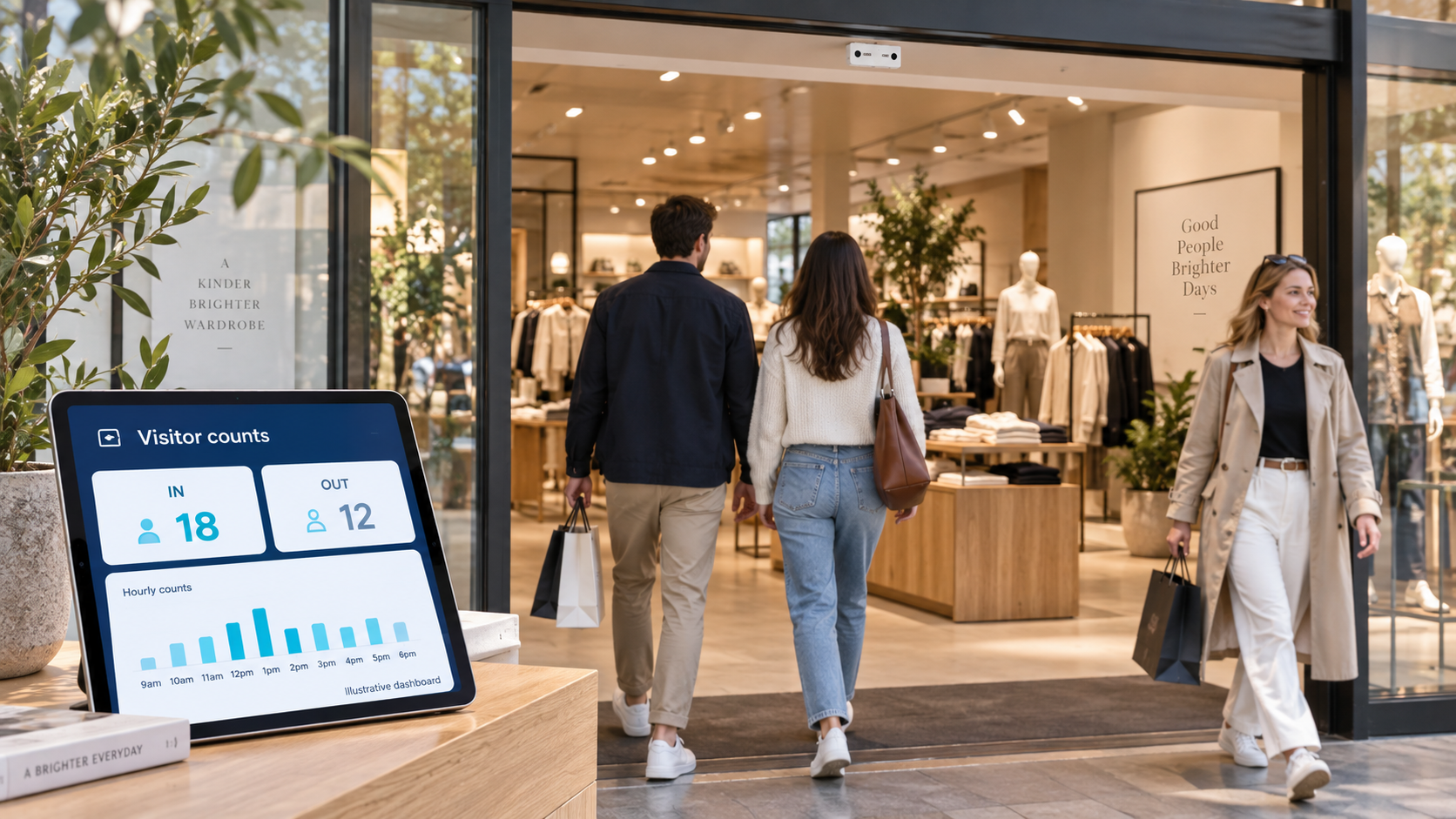
A doorway count normally records visits, not unique individuals. Someone who leaves and returns can create two visits. Retailers combine eligible entries with POS transactions to calculate conversion; libraries report visits, and malls compare external entrances with separate internal-zone measurements.
How people counters work: the main technologies
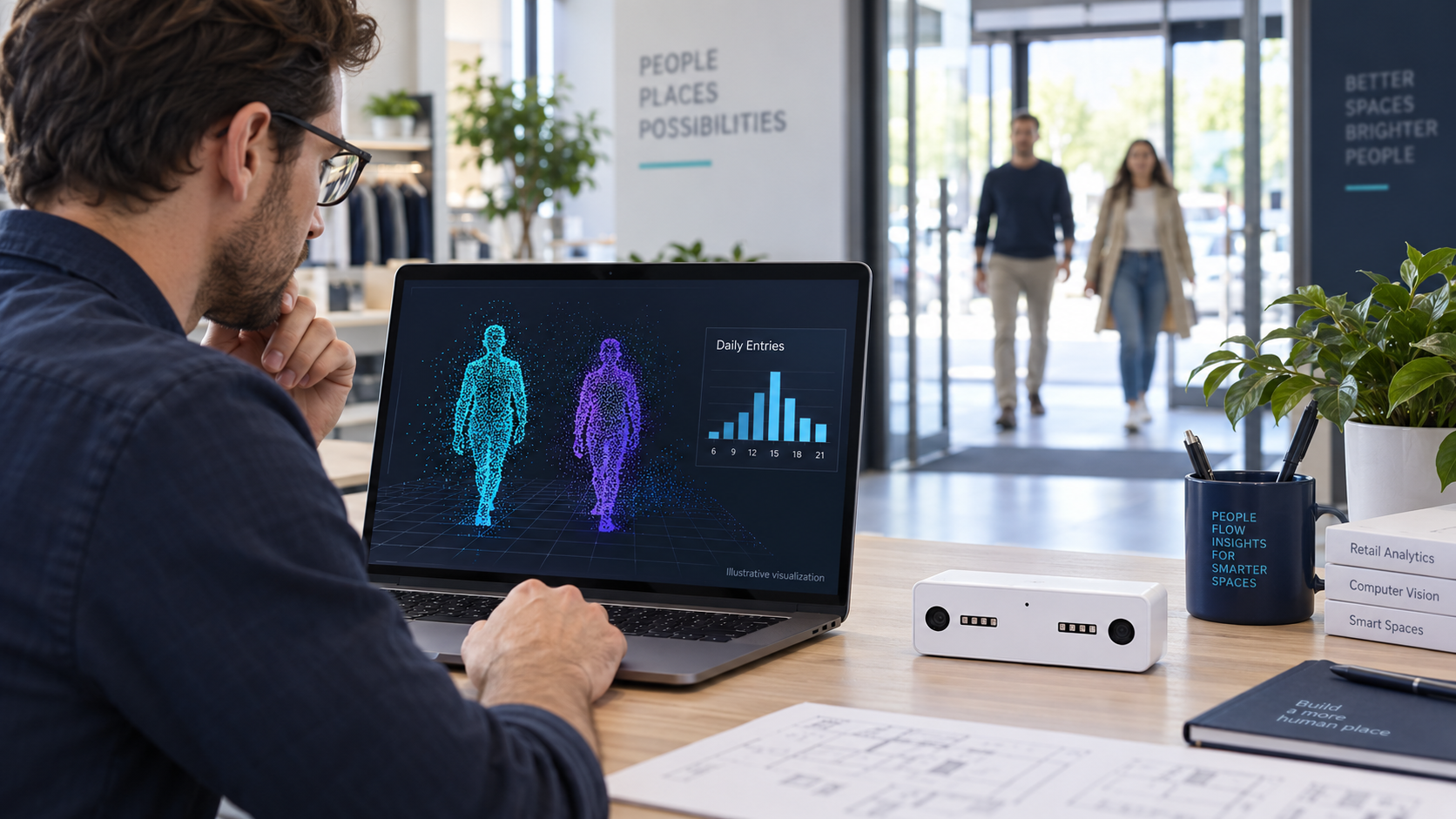
A sensor detects movement within its coverage, applies configured rules and generates a count. The table compares methods and the conditions that should be checked before purchase.
| Counter type | How it works | Typical placement | Strengths | Limitations | Best for |
|---|---|---|---|---|---|
| AI camera (deep-learning video) | An embedded neural network detects and tracks each person in the camera view and registers every crossing of a configured counting line or zone. | Ceiling-mounted directly above the entrance or over an open zone, angled to cover the full door width. | Separates people from trolleys, reflections and moving objects; supports staff exclusion, direction and zone rules; one device can serve several counting lines. | Needs power, network and a clear mounting point; counting lines must be configured and re-checked after store changes. | Store and tenant entrances, mixed traffic, and any site that needs more than a raw in/out total. |
| 3D stereo vision | Two lenses estimate depth from parallax, so the software follows height and shape rather than flat pixels as people cross the line. | Overhead at the doorway, centred on the opening, at the mounting height the model specifies. | Depth data handles groups, shadows and reflections well and allows height filtering, for example to exclude children. | Mounting height and entrance width must fall inside the specified range; a wide or double door may need more than one unit. | Busy retail doorways, malls and venues where group traffic and height filtering matter. |
| Thermal | Detects the difference in surface heat between a person and the background and counts the warm shapes that pass the line. | Overhead at the doorway, away from heaters, direct sunlight and large areas of glazing. | Works in complete darkness and captures no recognisable image, which shortens the privacy review. | Ambient temperature swings and closely spaced bodies reduce separation; little scene detail is available for troubleshooting. | Dark, unlit or privacy-sensitive entrances, corridors and back-of-house doors. |
| Infrared break-beam | A beam between an emitter and a receiver or reflector registers an interruption each time something passes through it. | Fixed to the door frame at roughly waist or chest height, with the pair facing each other across the opening. | Inexpensive, quick to install and power, and captures no imagery at all. | Direction is unreliable, people walking side by side are missed, and trolleys, pets and swinging doors are counted. | Small single-door shops, low-traffic sites and rough trend indicators. |
| Wi-Fi / BLE sampling | Listens for probe requests and advertising packets from nearby devices and estimates presence, dwell and repeat visits from those signals. | Access points or sensors spread across the space rather than a single line at the door. | Covers large indoor and outdoor areas without needing sight of a doorway, and can suggest dwell and repeat presence. | Only devices that are switched on and participating are seen; address randomisation and people carrying several devices distort totals, so it samples rather than counts. | Large campuses, events and open outdoor areas where a doorway line is impractical. |
| Manual clicker (tally counter) | A member of staff stands at the door and presses a button once for every person who enters. | Held by a greeter or supervisor at the entrance for the duration of the observation. | No installation, no network and no budget approval; it is the usual reference count in an accuracy test. | Only produces data while somebody is counting, cannot run continuously, and results drift with attention and traffic. | Spot checks, short surveys and validating an installed sensor. |
| Time-of-Flight (ToF) | Measures how long emitted light takes to return, deriving distance and movement across the counting area. | Overhead at the entrance, within the range and field of view the model specifies. | Provides depth measurement in low light without recognisable imagery. | Direct sunlight, reflective floors and glass can disturb readings, and range limits mounting options. | Entrances with poor lighting or privacy constraints that still need depth data. |
Only the sensor changes between those rows. Whichever class you choose, the device is one part of a people counting system: the counting line, the mounting, the network link and the reporting software decide what the numbers are worth. V-Count builds this stack around the Nano AI entrance sensor and the Nano Prime zone sensor, reporting through BoostBI.
Camera-based counting can use either a dedicated counting sensor or an existing surveillance camera with analytics. The camera’s purpose alone does not establish its counting accuracy. Compare its coverage, configuration and measured results at the intended entrance.
Accuracy: what the percentages really mean
“Up to 99%” is a product claim, not an unconditional site guarantee. V-Count publishes that claim for Nano AI and Nano Outdoor. Ask for the test definition, model and firmware, mounting height, entrance width, lighting, traffic density and active exclusion settings behind any quoted figure. A laboratory result and an acceptance test at your door answer different questions.
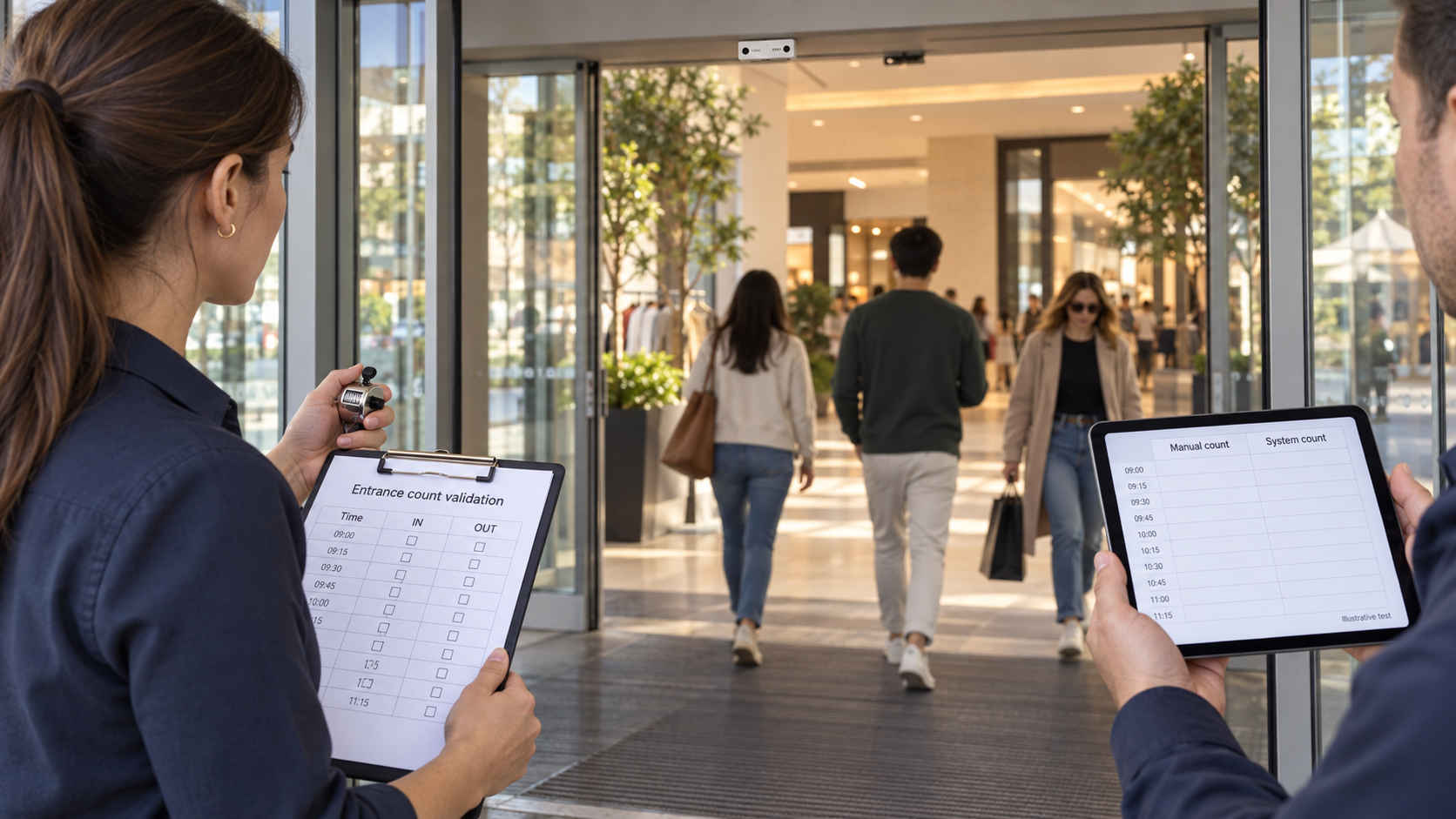
Run an independently observed sample covering both quiet and busy periods. Agree whether children, carried children, groups, staff, deliveries and re-entry are included. Check each direction separately. Record the manual reference count, system count, missed detections and extra detections by scenario.
A simple accuracy check
Absolute count error = |system count − reference count| ÷ reference count × 100.
Example: 990 counted entries against 1,000 observed entries gives a 1% aggregate count error. It does not prove that 99% of individual crossings were detected correctly. Missed people and false detections can cancel out. Report those errors separately, retain the sample size and investigate intervals with no reference crossings rather than dividing by zero.
Set acceptance criteria before the pilot, including busy-period performance, missing data and staff exclusion where required. Recheck after moving a sensor or changing a doorway layout. Occupancy also needs a starting count, every relevant access route and a process for reconciling accumulated IN/OUT differences.
V-Count model capabilities: choose by measurement need
The sensor family covers different tasks. Match the proposed model and software configuration to the required output; do not assume every capability is included in every device or subscription.
| Product | Primary role | Capabilities and selection checks |
|---|---|---|
| Nano AI | Indoor entrance and tenant-door counting | Bidirectional counting; optional staff exclusion; gender and age analysis and queue applications with the appropriate setup. Publishes up to 99% counting accuracy and operation in darkness. Check feature licences, mounting, 5V USB-C power and any external PoE splitter. |
| Nano Prime | Indoor zone analytics | Fisheye-based heatmaps, zone counts, dwell and visitor flow. Plan the monitored floor area and obstructions. Do not transfer Nano AI doorway specifications or assume the same demographic features apply. |
| Nano Outdoor | Exposed outdoor counting | Outdoor 3D stereo counting, active infrared and a published up-to-up to 99% accuracy claim. Confirm current enclosure, temperature, mounting and power requirements for the actual exposure. |
| BoostBI | Reporting and analytics software | Combines supported sensor feeds into reports. POS data is needed for transaction conversion; confirm enabled features, export/API scope, reporting cadence, permissions and subscription billing basis. |
Darkness and children: Nano AI’s active infrared supports counting in complete darkness, but the installation still needs validation. For child counting, agree height thresholds and grouping rules and test the actual visitor mix, including people walking closely together. A depth sensor does not justify a blanket “every person at every height” promise.
What is processed, sent and stored?
In plain language, the sensor first observes its configured area. Its processor then detects movement and applies the counting rules. The reporting platform receives the supported measurements and presents trends. What happens at each stage depends on the product and enabled features.
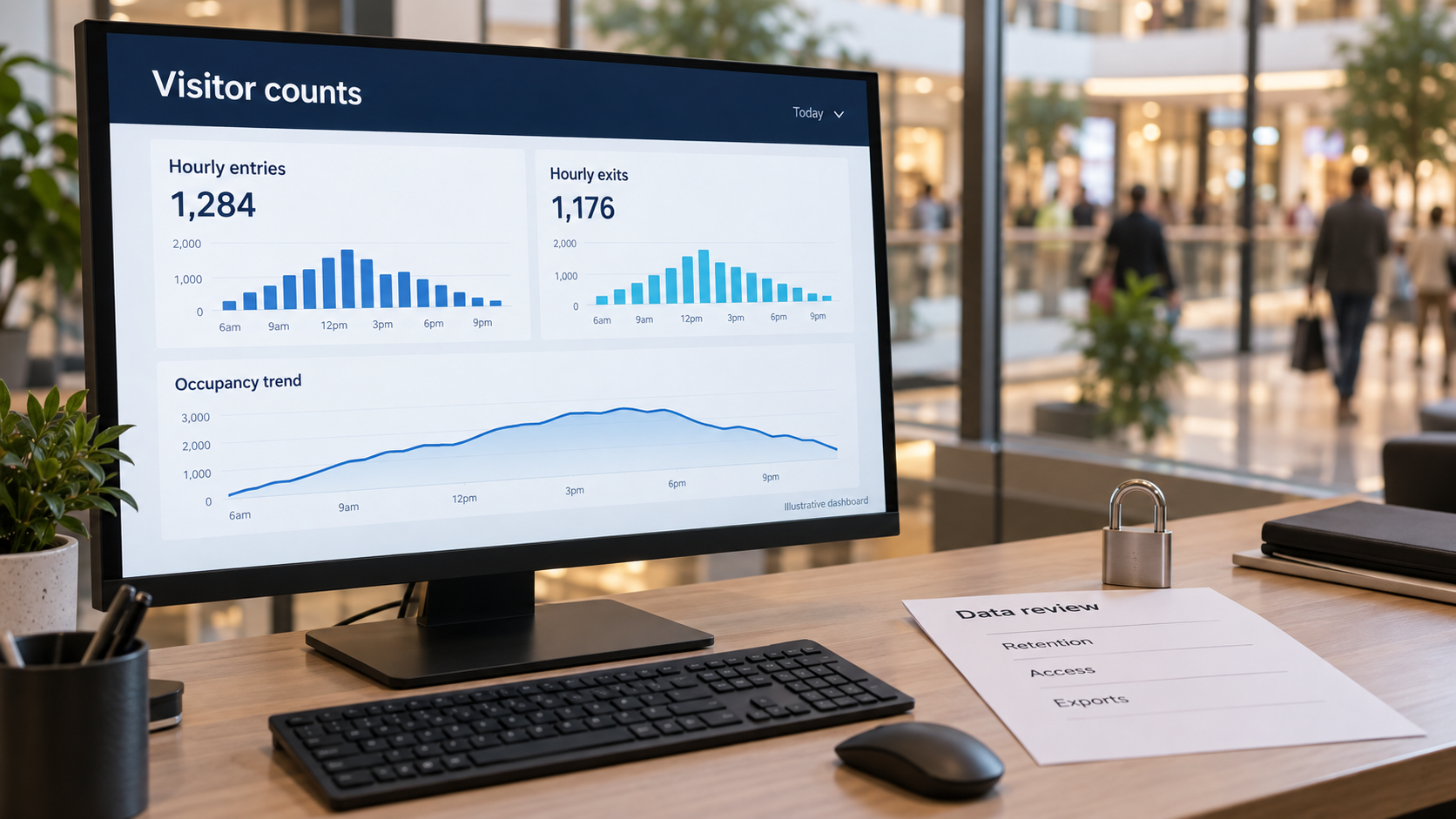
V-Count describes its current Nano products as using on-device processing and transmitting non-identifiable insights. Nano AI uses stereo depth; Nano Prime uses a fisheye approach for zone analytics. Ask for the selected model’s data-flow documentation, including diagnostic access and the fields exported to other systems.
- At the sensor: what visual, depth or signal data is processed, even briefly?
- In transmission: which counts, timestamps, zone measures or other fields leave the device?
- In storage: what is retained, for how long, and who can view or export it?
- Across integrations: can the output be linked to identifiable records, and for what purpose?
Privacy is not determined solely by whether imagery leaves a device. The ICO’s guidance on data protection concepts explains that even brief handling of personal information is processing. It also distinguishes an image from biometric recognition used to identify someone. Review the actual deployment’s lawful basis, transparency, retention and assessment requirements with the responsible privacy team.
How much does a people counter cost?
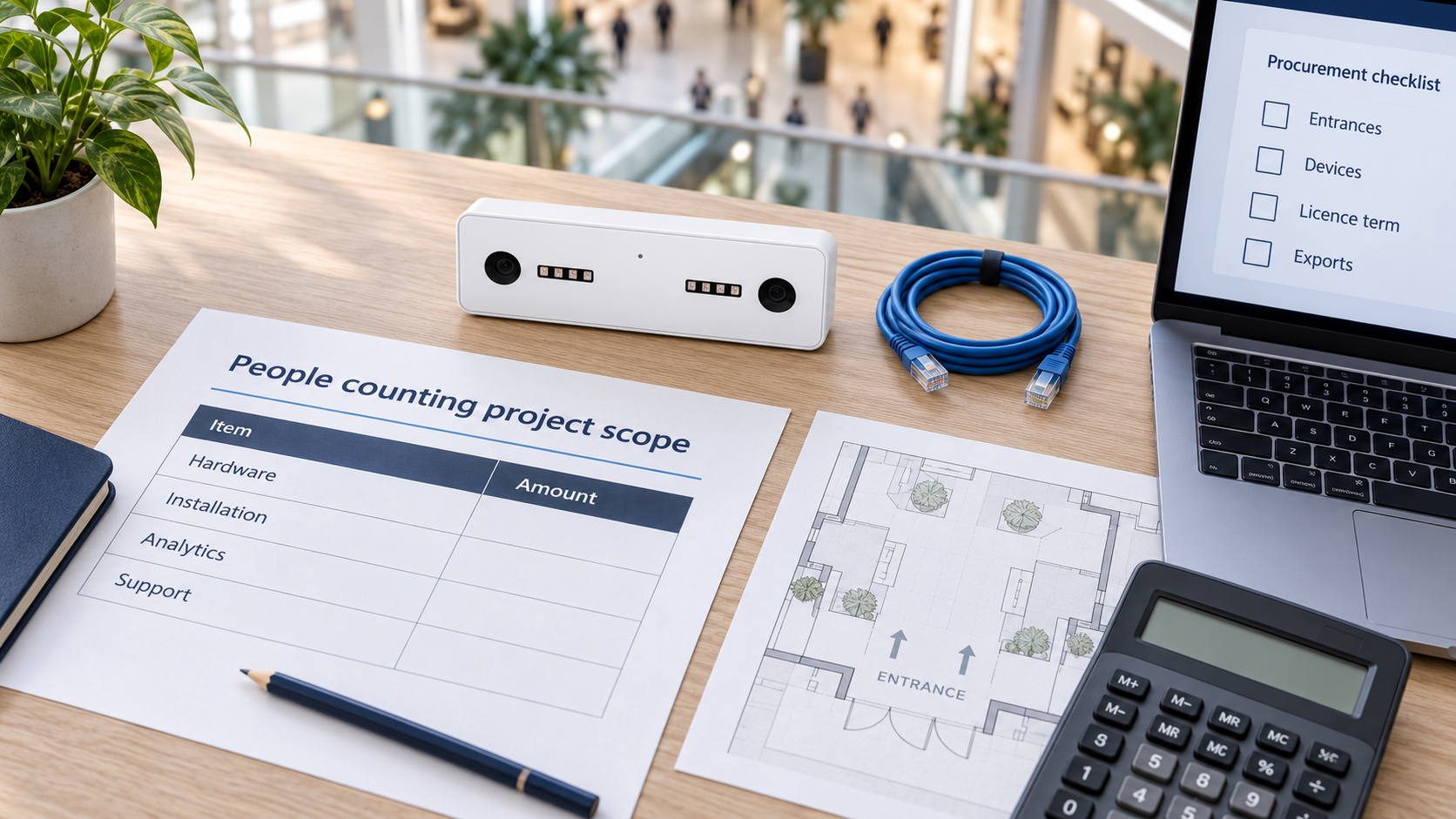
There is no single list price for a people counter, because every quote is assembled from four moving parts.
- Hardware class. A break-beam or basic counter sits at the bottom of any range; depth and AI camera sensors that separate groups, exclude staff and report by zone sit at the top. On a limited budget the better move is usually to fit a capable sensor on the doors that actually drive decisions rather than spread the cheapest device across every opening — the model that suits a single-door convenience store is not the model a mall entrance needs.
- Number and width of entrances. Every counted opening needs coverage, and a wide, double or corner entrance can need more than one device, so the sensor count grows faster than the site count.
- Software subscription. Dashboards, exports, APIs, alerting and data retention are licensed separately from the hardware, usually per sensor, per site or per account, on a monthly or annual term.
- Installation and commissioning. Mounting, power, network, configuration of the counting lines, validation against a manual count and any integration work are project costs — and they come back whenever a store is refitted or a door is moved.
Ask every vendor to quote the same scope so the comparison is real: the same doors, the same reporting period and the same support level. A single-door foot traffic counter and a multi-zone estate with a queue management system on top are different projects, and the difference belongs in the quote rather than in the headline price.
Pricing reference: the English V-Count pricing page displays $299–$799 per sensor for the Nano family, depending on model and volume, and $9–$49 per month for BoostBI, depending on features and deployment size. Hardware and software are separate. These are the supplier’s published ranges, not a fixed installed package or an industry-wide average.
The monthly range does not by itself specify the billable unit for your proposed deployment. Ask whether your quote bills by sensor, site, account or another unit; confirm currency, term and feature entitlements.
Total ownership cost over your chosen period includes hardware, mounting and power work, commissioning, recurring software, required integrations, maintenance and any applicable charges. A wide entrance may need several devices. A multi-site subscription should be costed using the quoted billing unit rather than multiplying an ambiguous monthly headline by the number of stores.
What to look for before buying

- Define the metric: entry visits, passing traffic, occupancy or zone activity.
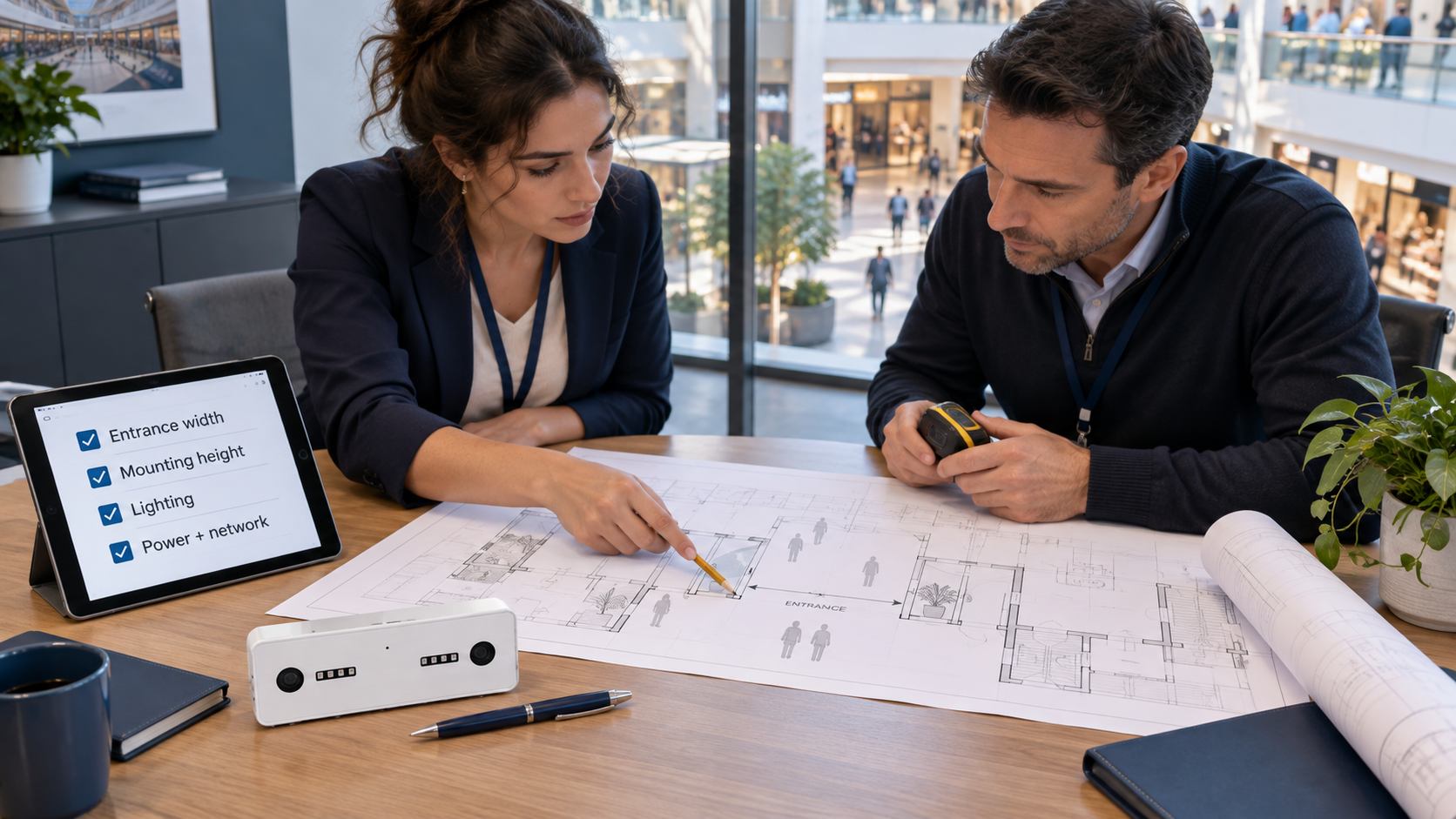
- Survey the site: doorway widths, mounting heights, obstructions, power, connectivity and indoor or outdoor exposure.
- Validate the count: agree reference counts, scenarios, exclusions and acceptance criteria.
- Check the reports: request a sample export and confirm timestamps, granularity, retention and access permissions.
- Confirm integrations: establish the POS inputs needed for conversion and whether a connector or custom API work is included.
- Compare complete quotes: use the same coverage, features, billing period and support scope.
Take these requirements into the people counter buyer’s guide. For operational examples and deployment checks, continue with the retail people counting and foot traffic guide. Keep the definition, the acceptance test and the commercial quote aligned: they should all describe the same measurement.
Customer counter, visitor counter, guest counter and other counter devices: the same job, different words
Buyers rarely search for the same words. A retailer asks for a customer counter, a museum or an office asks for a visitor counter, and a hotel or stadium asks for a guest counter.
All three describe the same class of device — a sensor above an entrance or zone that records how many people pass a line, in which direction and at what time. What changes is the vocabulary of the industry and the metric each one reports against.
Customer counter (retail)
In a shop, the counted person is a potential customer, so the count becomes the denominator of conversion rate: transactions divided by visitors. A customer counter is therefore usually paired with point-of-sale data, staff rosters and, at the till, a queue management system so that lost sales during peak periods can be seen rather than guessed.
Retail deployments also care about entrance-level detail — staff exclusion, direction and returns through the same door — because a few percent of error moves conversion rate visibly.
Visitor counter (offices, museums, libraries, public buildings)
Where nothing is sold, the same hardware is called a visitor counter and the reporting shifts to attendance, utilisation and occupancy. Museums and libraries report visitor numbers to funders; workplaces compare desk and floor occupancy against the lease.
Because these sites often want counts per room rather than only per door, a visitor counter deployment usually adds zone counting and dwell time to the entrance count, and an accurate foot traffic counter at the main door remains the control total everything else is checked against.
Guest counter (hospitality, venues and events)
Hotels, restaurants, casinos, stadiums and attractions call the visitor a guest, so the device becomes a guest counter. Here the pressing questions are capacity and experience: how many guests are inside right now, is a hall approaching its safe limit, when does a lobby or buffet peak, and how long do guests wait before they are served.
The counting technology is unchanged; the difference is that live occupancy and threshold alerting matter more than a daily total, and counts are often read against sessions, seatings or event schedules.
Because the device class is identical, the selection questions are identical too. Choose by entrance width, lighting, mounting height, whether you need zones as well as doors, and what your privacy review allows — not by which of the three words your industry happens to use.
Counter devices: from tally clickers to AI sensors
“Counter devices” covers everything from a handheld tally clicker to a ceiling sensor. Clickers and infrared beams give a rough tally; thermal, 3D and AI sensors record direction and run all day without staff. The table at the top of this guide compares them. V-Count’s Nano AI is the AI sensor type: it counts entrances with up to 99% accuracy and reports to BoostBI.
In the UK and most Commonwealth markets the same device is called a footfall counter; our guide to footfall counting and footfall analytics covers the same technology in that terminology.
People counter FAQs
What is a people counting sensor and how does it work?
A people counting sensor detects movement across a defined line or within a configured area and turns it into usable counts. V-Count Nano AI uses stereo-vision sensing for entrance measurement, with compatible data reported through BoostBI. This gives managers a repeatable view of visitor demand for staffing and performance reviews. V-Count can help define the counting boundary and reporting setup for your entrance.
Should I use a footfall counter or a people counter for store analytics?
The terms often describe the same category; choose according to the data you need. V-Count Nano AI with BoostBI gives retailers a route from entrance measurement to actionable visitor reporting. For store conversion, combine eligible visits with matching POS transactions and agreed exclusions. V-Count can help you assess the sensor placement and data connection so your team can distinguish changes in traffic from changes in selling performance.
What features should I look for when choosing a people counting sensor for persistent indoor use?
Prioritise reliable directional counts, suitable coverage, stable power, staff exclusion and useful reporting. V-Count Nano AI offers a compact indoor option with active infrared for darkness, 5V USB-C power and an external PoE splitter option. Pair it with the appropriate BoostBI package for your reporting needs.
What are common use cases and privacy considerations for people counting sensors?
V-Count supports visitor reporting for staffing, occupancy and space planning. Nano AI is described as processing data on the device and sending analytics outputs, helping organisations focus on aggregate visitor insight. You can request a V-Count demo to review the operational benefits and processing arrangements for your deployment.
What is a visitor counter?
A visitor counter is a device at an entrance that counts how many people visit a building, store or venue. V-Count’s visitor counter is the Nano AI sensor: it is mounted above the entrance at 2.2–7 m, counts people in and out with up to 99% accuracy, and sends anonymous counts to BoostBI, where offices, museums, libraries and shops see visitors by hour and day.
Retailers often call the same device a customer counter.
What is a guest counter?
A guest counter counts the guests entering a hotel, restaurant, bar or event, so the team can see busy times and how many people are inside. V-Count uses the Nano AI sensor for this: it counts guests in and out at the entrance, counts groups correctly, works in complete darkness, and shows live occupancy in the BoostBI app.
Front-of-house teams use it to plan staff and to watch occupancy against their capacity limit.
What are counter devices?
Counter devices are any tools that count people: a handheld tally clicker, an infrared beam across the door, a thermal or 3D sensor, Wi-Fi tracking, or an AI sensor above the entrance. V-Count makes people counting sensors (Nano AI, Nano Prime and Nano Outdoor) that count automatically all day and report to BoostBI.
A manual clicker is still useful for one job: the reference count when you check a sensor’s accuracy.
Find the right people counter for your space
Share your entrances, environment and reporting goals. V-Count can help define the sensor configuration, validation plan and quote.
Request a demo